Drive catalog for Mac, iPhone and iPad
Which drive is it on?
DriveIndex catalogs every external drive you own, so you can search all of them at once. Even the ones sitting on a shelf.
Ready to buy? Get a license for $19.99, one time. macOS 14.6 or later.
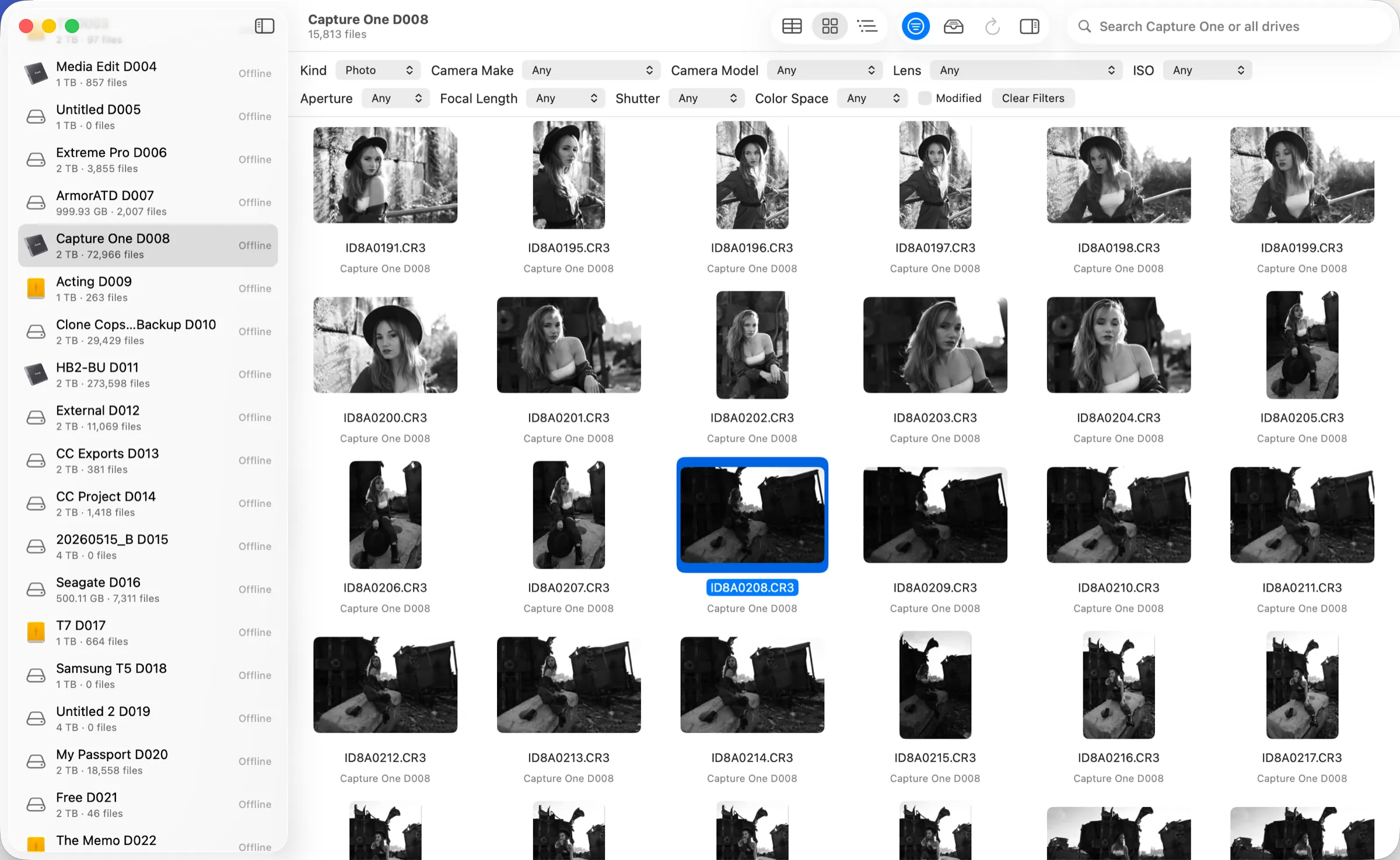
Plug each drive in once. Never guess again.
Index it
Connect a drive and DriveIndex reads every file: names, folders, thumbnails, and what your camera recorded. A re-index only reads what changed.
Label it
Each drive gets a short code like D011 and a printable QR label. Stick it on, put the drive back on the shelf.
Find it
Search from your Mac or your phone. The answer is a drive code and a folder, so you pull one drive instead of six.
Camera metadata
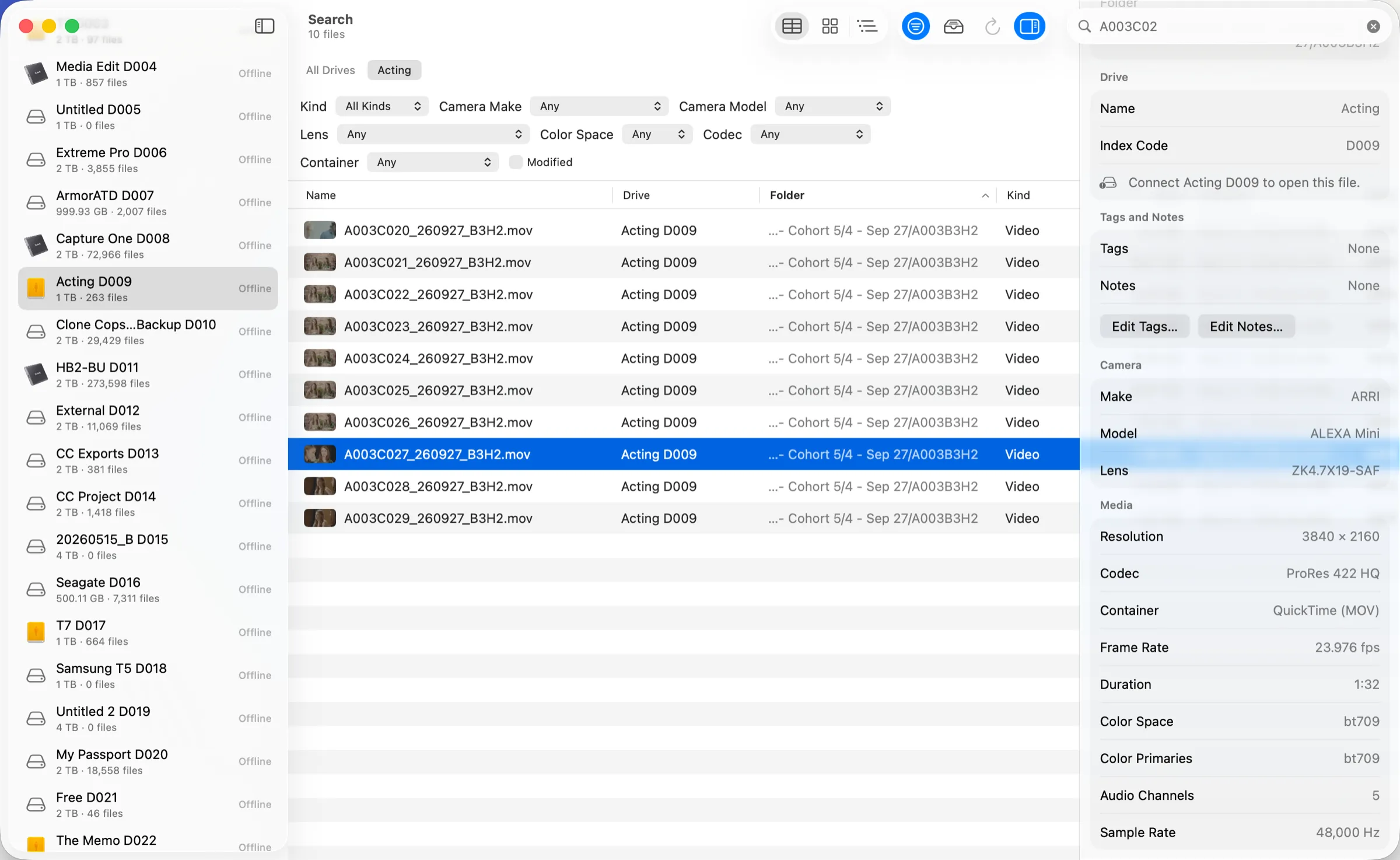
It reads what your camera recorded
Resolution, codec, frame rate, duration, timecode, camera, lens, ISO and colour space, for every clip. Filter by any of them across every drive.
Works with the formats you shoot
Plus ProRes, MXF, H.264 and H.265, raw photos, and audio.
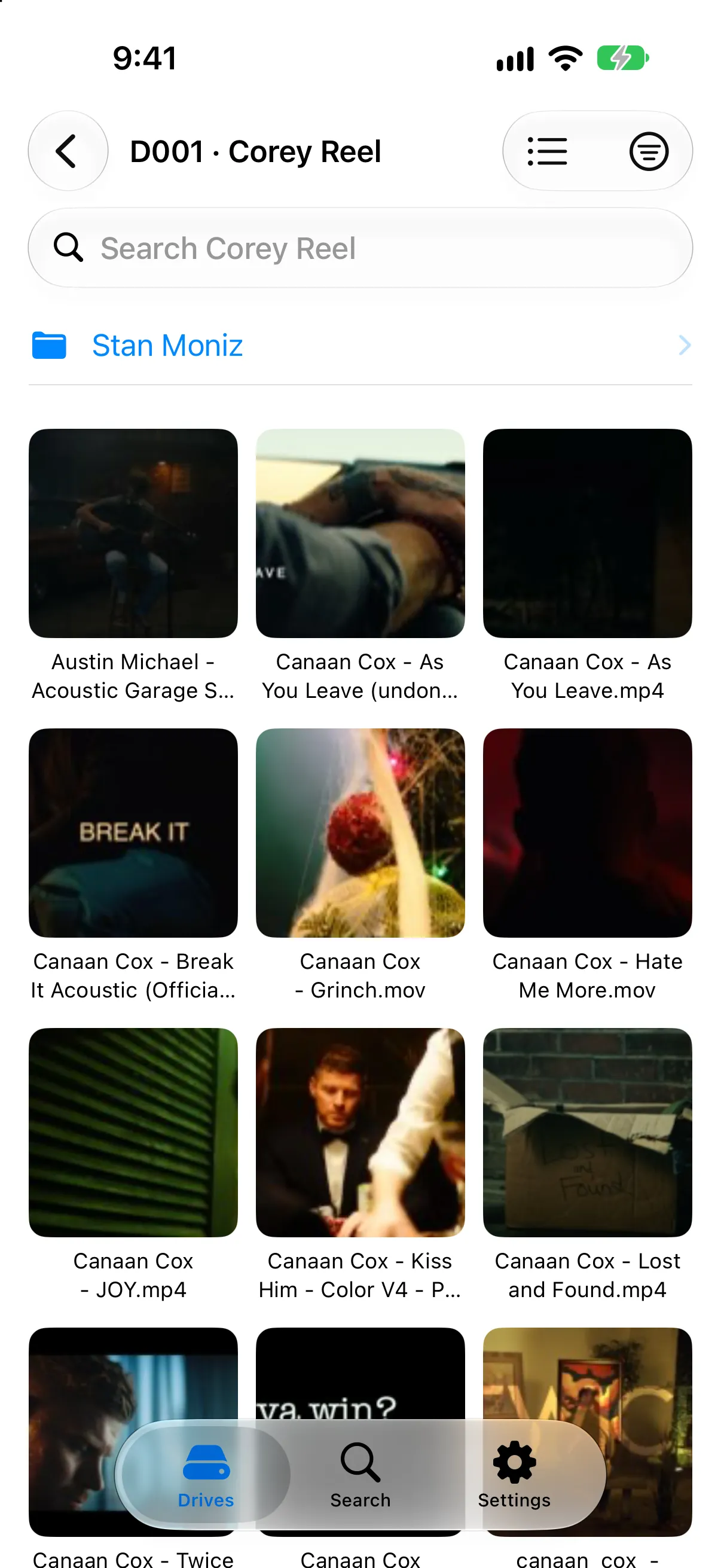
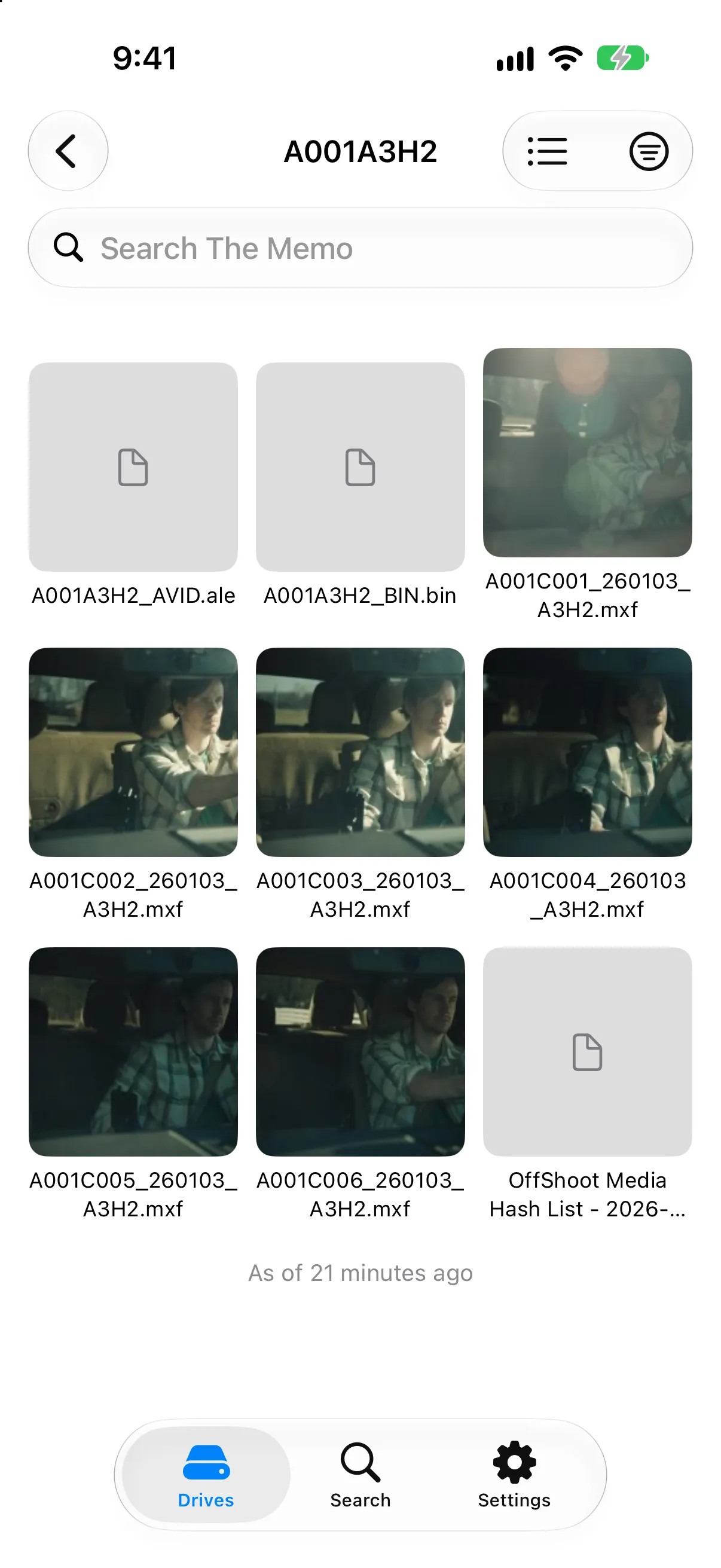
Free companion for iPhone and iPad
Your whole shelf, in your pocket. No Mac required.
The companion keeps a copy of your catalog on your phone. On set, at the rental house or standing at the shelf, search for a clip and see which drive and folder it lives in.
to re-index a drive of 273,598 files, when only the changes are read.
files across 27 drives, searched in under a second.
accounts, cloud uploads or subscriptions. Your catalog stays on your devices.
Try it for a week. Keep it for $19.99.
Every feature is unlocked for 7 days. No card, no account. If it earns its place, one payment and it is yours.
Requires macOS 14.6 or later. Apple silicon and Intel.
Questions
Does the drive need to be connected to search it?
No. A drive is connected once to be indexed. After that its files, thumbnails and details are searchable with the drive unplugged.
Does DriveIndex change anything on my drives?
It never modifies your media. It writes one small hidden file at the top of each drive so the drive is recognised when it comes back.
Is my catalog uploaded anywhere?
No. The catalog lives on your Mac, and on your phone if you use the companion. The two talk over your own network, encrypted.
What happens when the trial ends?
The app asks for a license. Your catalog is kept, and activating picks up exactly where you left off.
Which cameras and formats does it read?
ARRI, RED R3D, Blackmagic RAW, Sony, Canon and Nikon footage, ProRes, MXF, H.264 and H.265 video, raw and standard photos, and audio.
Can it index network volumes?
Yes: SMB, NFS, AFP and WebDAV volumes, as well as external drives and memory cards.
Can I search from my phone without my Mac?
Yes. The free companion for iPhone and iPad keeps a copy of your catalog, so you can find which drive a file is on from anywhere.